Case 02 · WeChat Product & Information Architecture
All-in-One Mini App
Sellers can find learning content and services in one place.
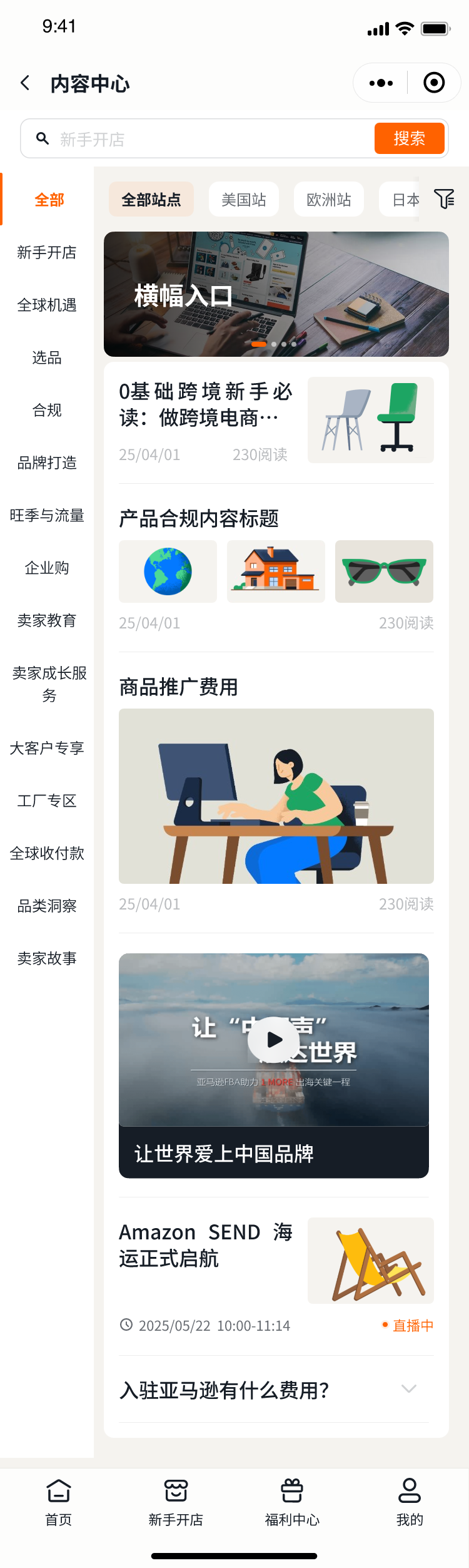

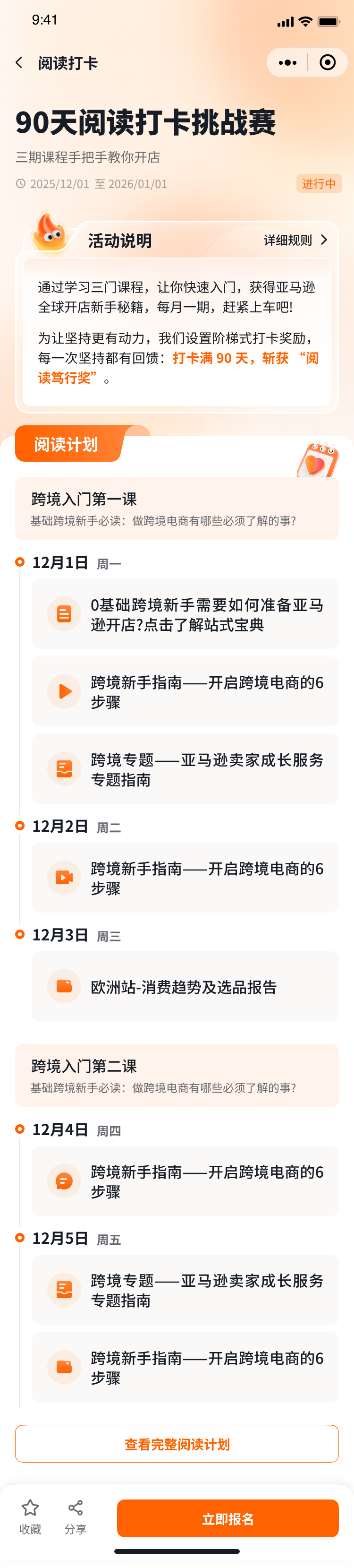
I designed the information architecture for a WeChat Mini App that brings Amazon seller content into one searchable hub. It reached 520K cumulative users by July 2026.
Finding help on a phone
Sellers needed to find help on their phones. Policy articles and live sessions sat in separate places, with guides and event replays adding more places to search.
For sellers without an account manager, these resources are a way to get help independently.
FROM DISCOVERY TO THE RIGHT CONTENT · SCROLL EACH SCREEN TO EXPLORE

Organising 17 subject areas
The Mini App launched on 30 June 2025. I organised the content by subject so sellers could browse a topic or search for a specific answer.
The 17 subject areas cover topics such as store setup, logistics and compliance.
Each area can contain seven formats: policy articles, live sessions, self-assessments, illustrated guides, handbooks, video tutorials and replays.
LEARNING & RETURN VISITS · SCROLL EACH SCREEN TO EXPLORE
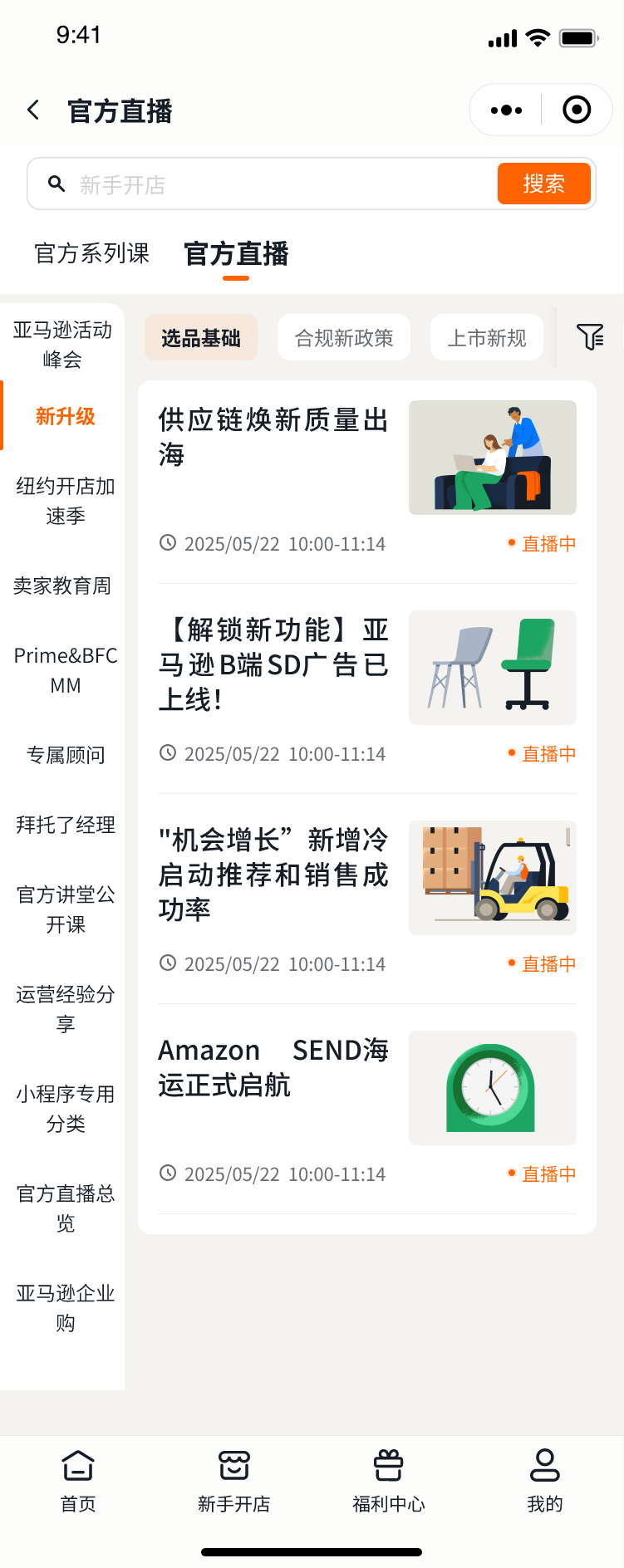
Navigation and reading components
The component guide specifies navigation, including grids and carousels. It also covers the type and buttons used on reading screens.
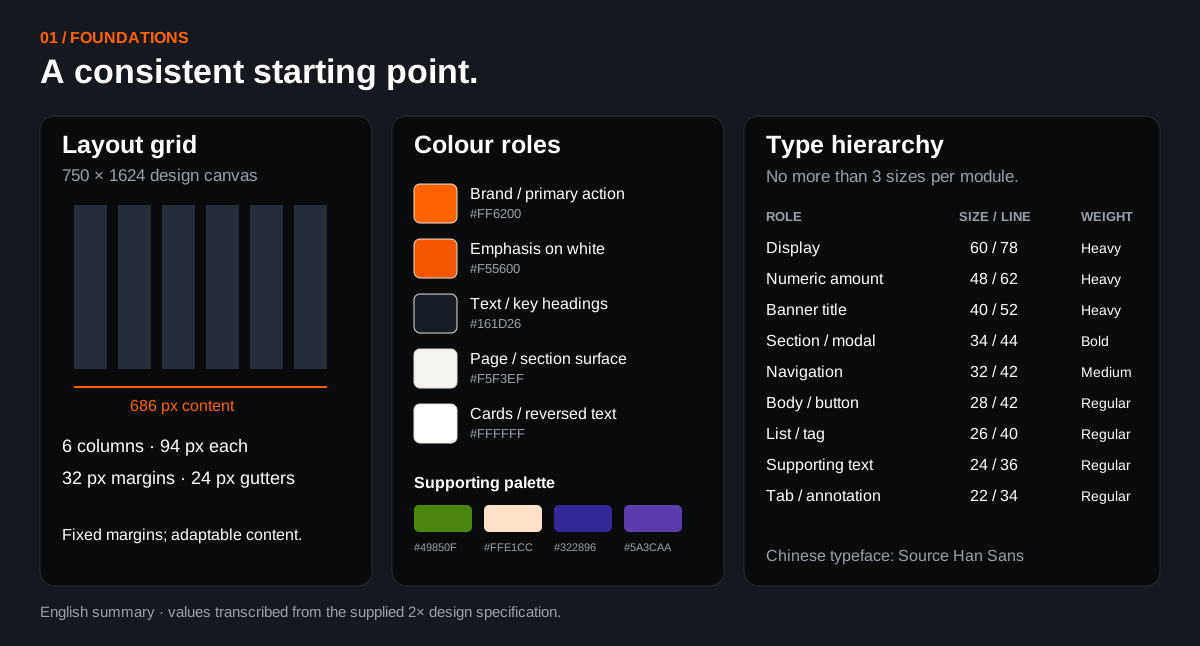
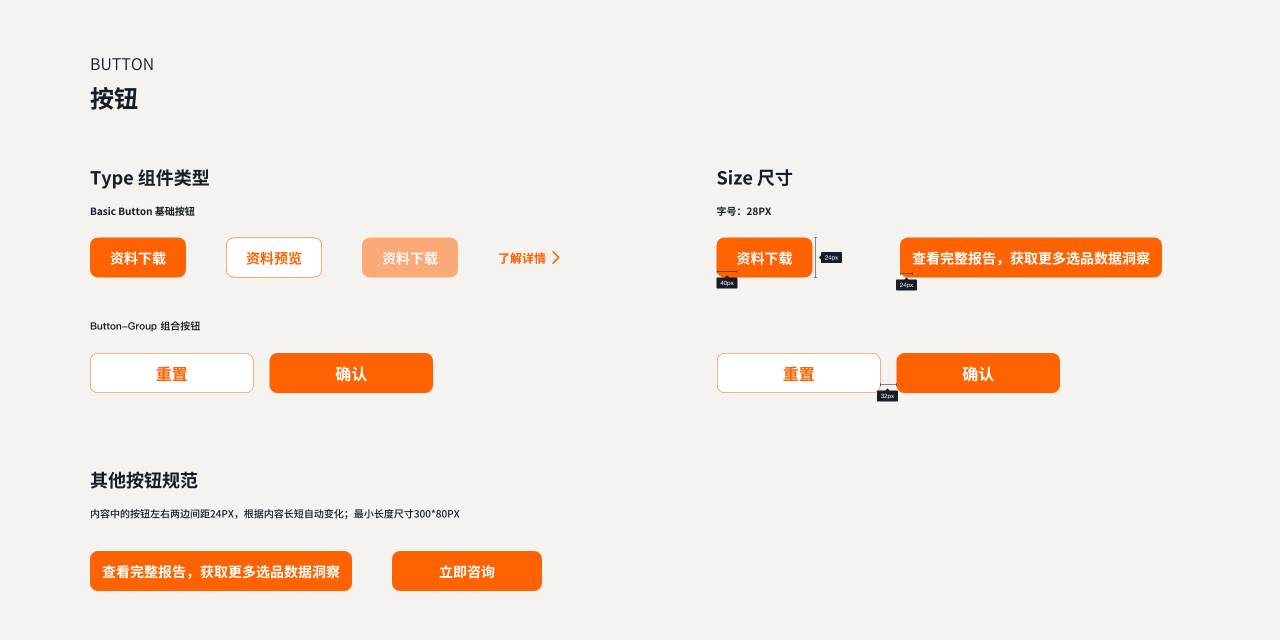
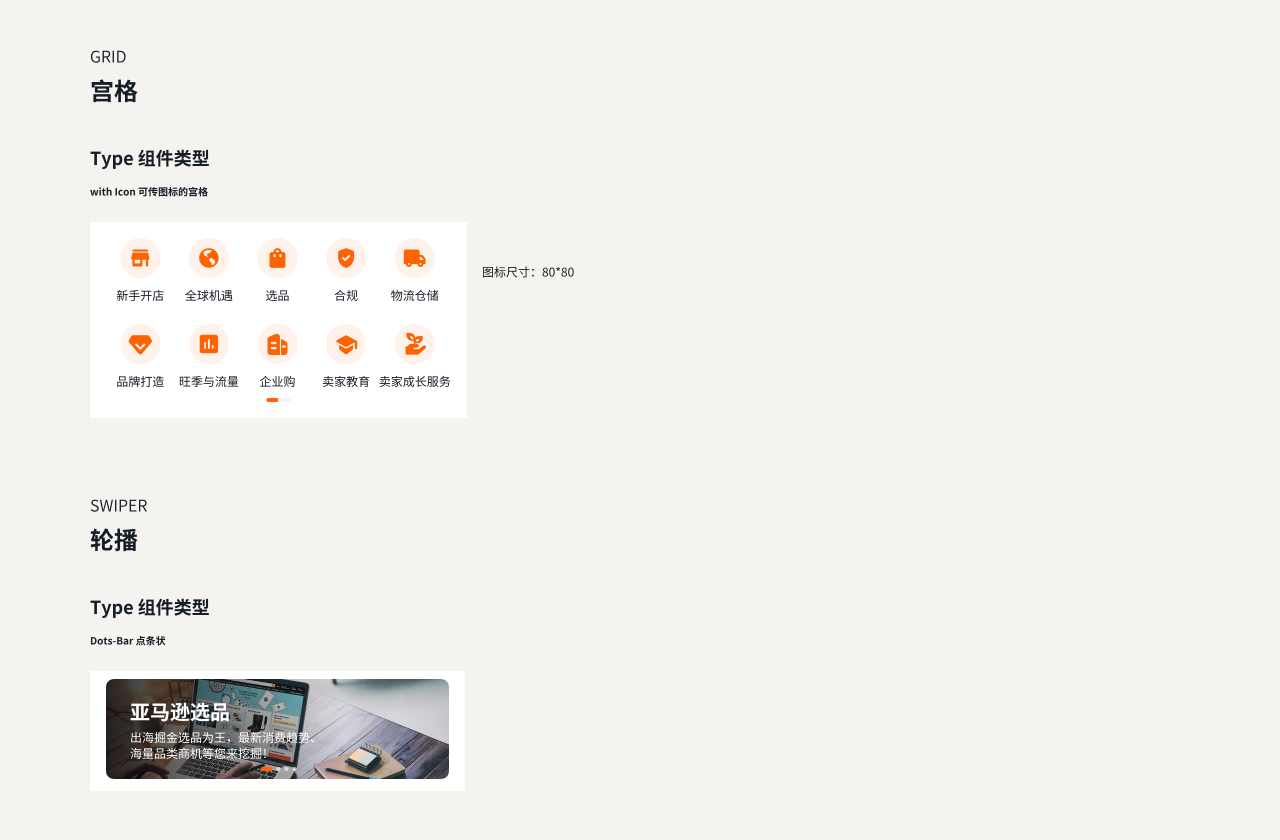
Foundations summarised in English. Component screenshots preserved in Chinese. Full source sheets: Foundations ↗ · Components 1 ↗ · Components 2 ↗
Feedback from sellers
“I no longer need to rely on my PC for information. Now I can learn anytime, anywhere on my phone.”
“The Mini App makes information searches so much more convenient.”
Participation rose. Retention dropped after day three.
Participation in the 30-day learning programme I designed grew 50.8% from May to June 2026. Retention still dropped sharply after the third day.
Content usage suggested that some sellers came for a particular answer and then left. That gave us a reason to test easier access to popular topics.
I proposed a shorter learning path with high-demand topics first. The next question is whether sellers can get the help they need on that first visit.